Reduce the file size of your images with online image compression. Compress image files quickly without installing software.
or drop, paste, or choose from cloud





Open the settings, choose Target file size, type a number, and pick KB or MB. The app aims for that size and gets as close to it as it can.
Any whole number from 1 to 1024 works in either unit, so 20 KB, 50 KB, 100 KB, 200 KB, and 1 MB are all valid targets.
Upload forms often set a hard limit on photo size. A form that accepts 100 KB takes a 100 KB image on the first try, with no guessing and no second attempt.
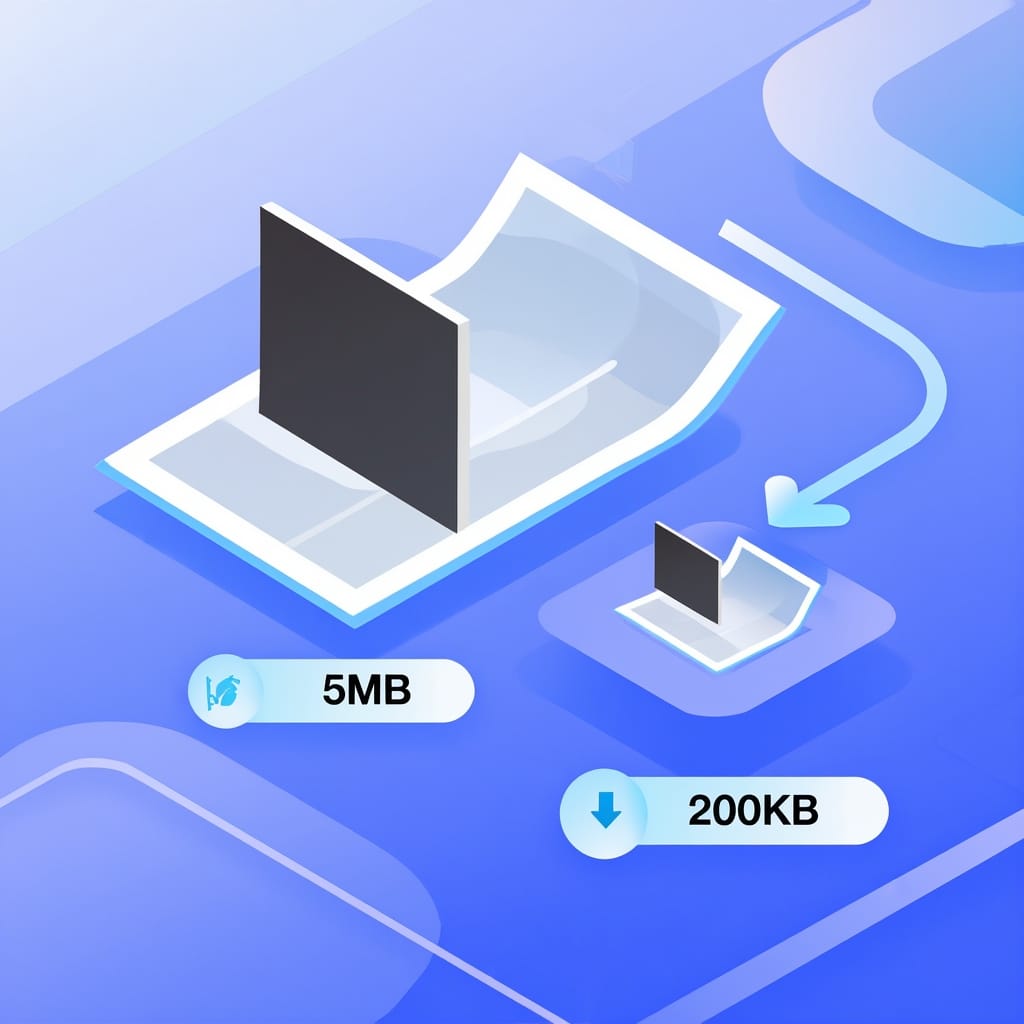
Compression level holds three presets. Less compression keeps more detail, Recommended compression is the one already selected, and Extreme compression makes the smallest file.
Percentage of original shrinks the image to a share of the size it has now, anywhere from 1 to 99 percent. Custom quality lets you set the quality value yourself, from 0 to 100.
One setting applies to every image in the job, so a batch comes back consistent instead of one file at a time.
Recommended compression drops the data that is hardest to see and keeps the rest. Photos stay usable for email, chat, and web pages.
Lossless compression changes nothing you can see. It works on PNG images only, so a JPG or a GIF needs one of the other modes.
Strip metadata removes EXIF, GPS, and camera details from the output. The picture itself is untouched, and the file gets a little smaller on the way out.
Nobody reads or copies the images you upload. Every file is handled automatically, so no person looks at what is inside.
The images are not used to train AI models. You keep the copyright and the ownership of both the original and the compressed file.
The download link is unique and cannot be guessed, so only the person holding that link can fetch the compressed image.

Type one of these into Target file size and pick the matching unit. The app aims for the size you asked for.
| Target size | What it is usually for |
|---|---|
| 20 KB | Forms with a very small cap |
| 50 KB | Government and exam portals |
| 100 KB | Scanned documents and ID photos |
| 200 KB | Product shots and blog images |
| 500 KB | Detailed photos for email |
| 1 MB | Photos where detail matters most |
Any whole number from 1 to 1024 is accepted, in KB or in MB.
Make image files smaller with this image compressor
Add up to 5 images without an account, or 10 with a free account. The setting you pick applies to all of them.
The compressor runs in the browser, so a phone, a tablet, and a laptop all use the same page. There is nothing to install.
Compression is free for files up to 50 MB each, and no account is needed. Larger files and bigger batches are part of the paid plans.
Government portals, exam registrations, and university forms often cap a photo at a fixed size. Set that number as the target and upload the result.
Mail providers and chat apps turn down large attachments. A smaller image sends on the first try, and it downloads quickly on mobile data.
Heavy images slow a page down and cost visitors their patience. Compressed images keep the layout looking the same while the page loads sooner.
Upload your images. JPG, PNG, GIF, WebP, BMP, and TIFF files are all accepted.
Pick a compression level, or choose Target file size and type a number in KB or MB.
Start the job. Every image is compressed with the setting you picked.
Download the compressed images from the result page.
Yes. You can compress 5 images per job without an account, and 10 with a free account. Each file can be up to 50 MB.
Yes. Choose Target file size in the settings, type 50 or 100, and leave the unit on KB. The app aims for that size and gets as close to it as it can. Any whole number from 1 to 1024 works, in KB or in MB.
That depends on the mode. Less compression keeps more detail than Extreme compression does. Lossless compression changes nothing you can see, and it works on PNG images only.
JPG, PNG, GIF, WebP, BMP, and TIFF files are all accepted. The output keeps the format you uploaded, unless you set Target format to JPG, PNG, or GIF.
Open this page in the phone browser and upload the photo from your gallery. The work happens on the server, so an older phone manages it as well as a new one, and there is no app to install.
Yes. Add several images to the same job and they are compressed with the same setting. Each one comes back as its own file.
Yes. Nobody reads or copies your files, because the processing is automatic. The images are not used to train AI models, and the download link cannot be guessed.
A damaged source file is the usual reason, often one whose save or transfer was cut short. A file over the free size limit, or a very slow connection, can also stop the upload before the job starts.
Every app here runs in the browser, with nothing to install.
